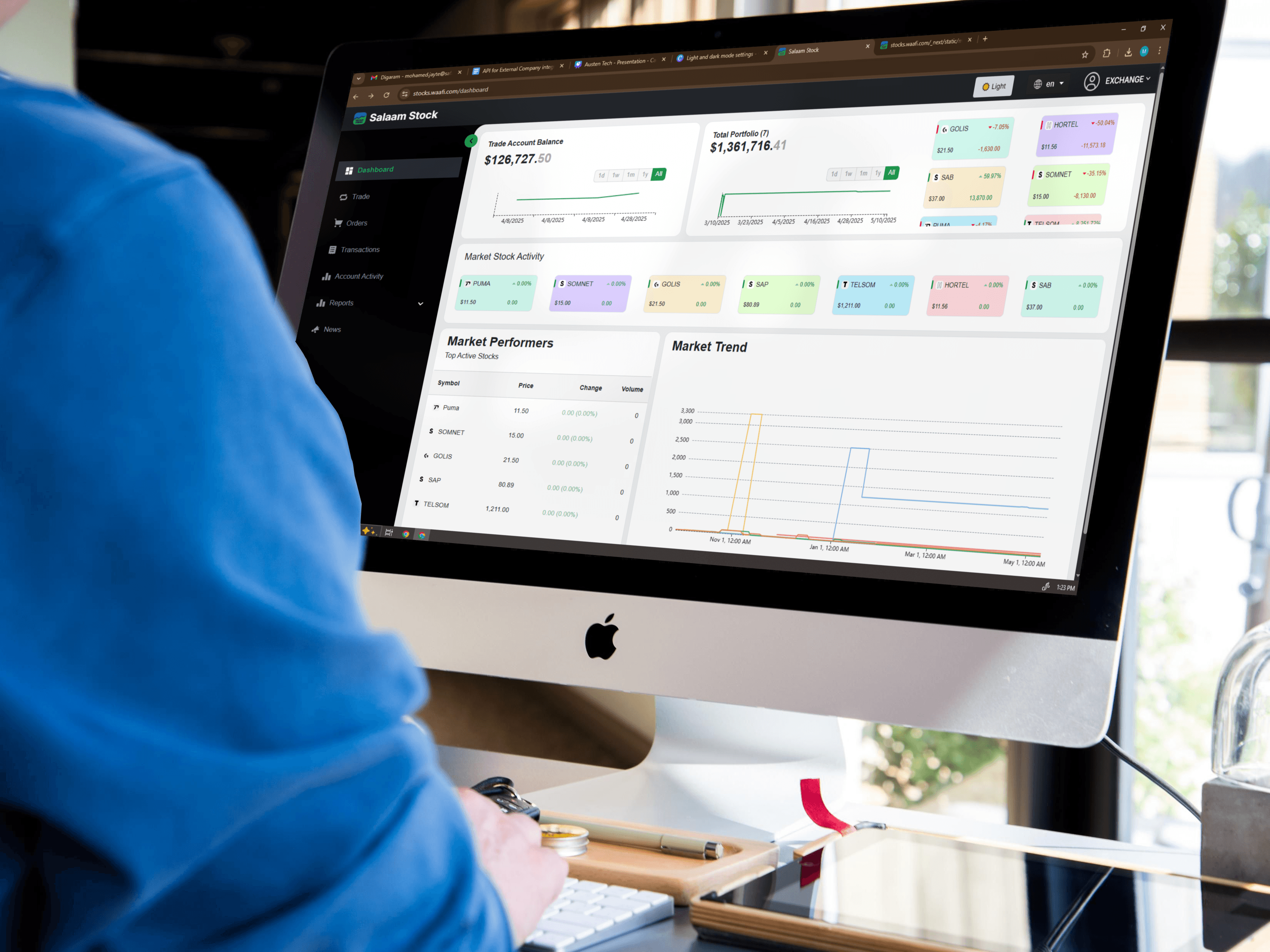
SS
Trading Education
4 min read
Before You Start: Make Sure Your Account Is Funded
To buy shares, you need available cash in your Salaam Stock account. Make a deposit or transfer funds according to the instructions in the app or website.
Step 1: Find the Stock You Want
- Go to the Markets or Stocks section.
- Use the search bar to type the company name or ticker symbol.
- Open the stock detail page to see price, chart, and basic info.
Step 2: Place a Buy Order
- Tap the Buy button on the stock page.
- Choose the order type (for example: market order or limit order if supported).
- Enter the quantity of shares you want to buy.
- Review the estimated total value and any fees.
- Confirm the order.
After you confirm, your order will be sent to the market. You can see its status in the Orders or Activity tab.
Step 3: Check Your Portfolio
Once your buy order is executed, the shares will appear in your Portfolio. Here you can see:
- Number of shares
- Average purchase price
- Current market value
Step 4: Place a Sell Order
- Open your Portfolio and select the stock you want to sell.
- Tap the Sell button.
- Enter how many shares you want to sell.
- Select the order type and review the expected proceeds.
- Confirm the sell order.
Tips for New Investors
- Do not invest money you cannot afford to lose.
- Start with smaller amounts while you learn.
- Use basic risk management, like diversifying across different companies.
Conclusion
Buying and selling on Salaam Stock is designed to be simple and transparent. With a few taps you can manage your investments and track your performance in real time.
Tags
TradingBuy OrdersSell Orders